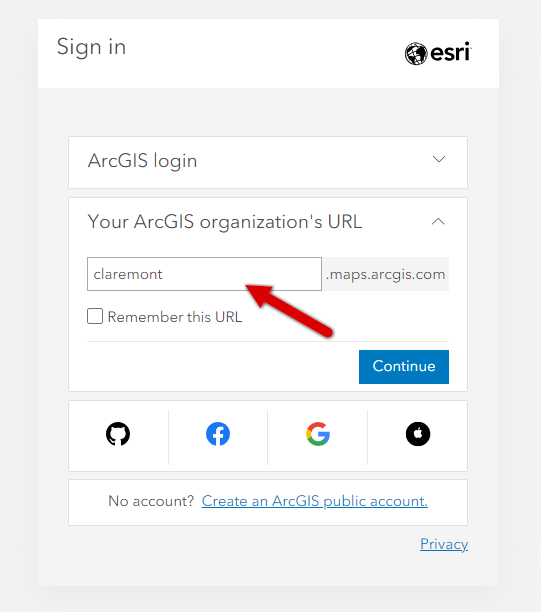
If you created an ArcGIS Online account at Claremont since summer 2020, you most likely authorized your account through The Claremont Colleges identity management/single sign-on (SSO) application. You will continue to use this method to log in every time.
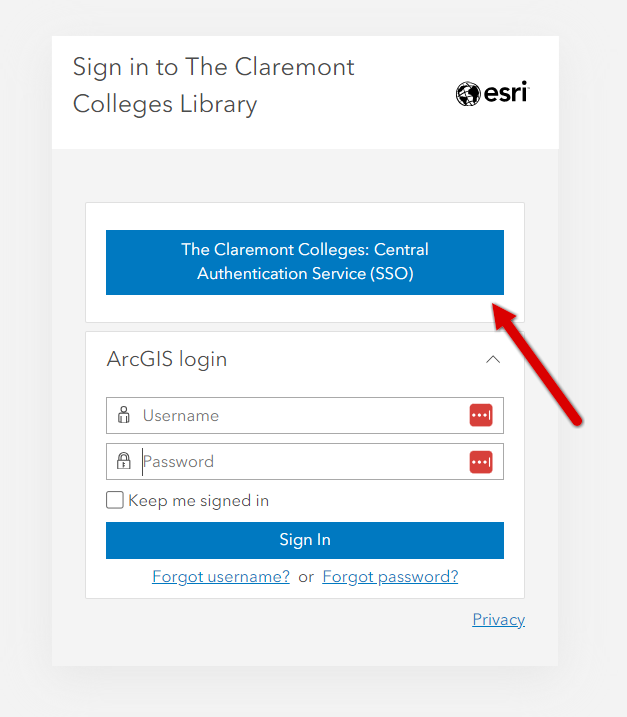
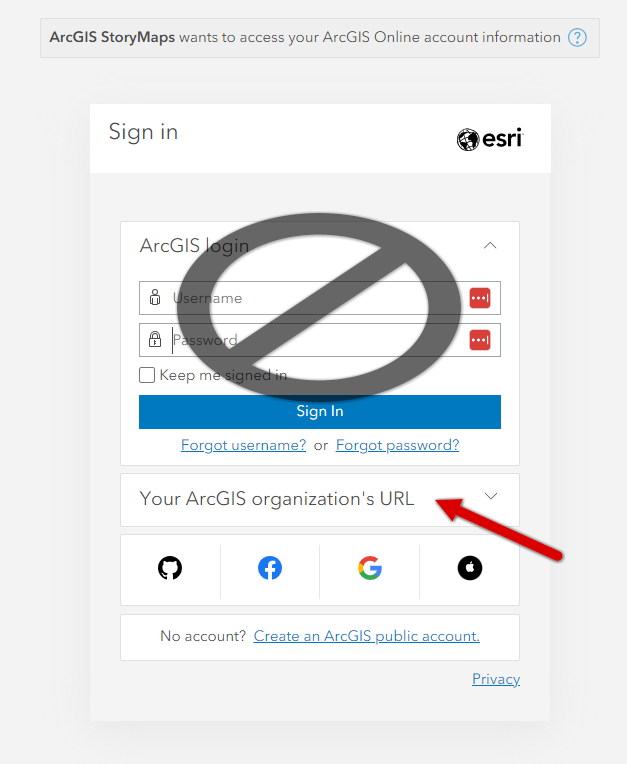
If you don’t see the blue Claremont Colleges SSO box you will need to select the dropdown next to “Your Organization’s URL.” (Do not fill in your credentials in the top ArcGIS Online login box if you have SSO-authorized credentials.)
In the next panel you will need to enter “claremont” in the URL box and click “continue” to get directed to our organization's portal.